The Second Brain Your AI Assistant is Begging You to Build
Six months ago I started on this journey of building an AI chief of staff — a system that could actually operate alongside me in my business. And very quickly it became obvious that that what makes all the difference in performance isn’t better prompts or a smarter model. It’s the knowledge system I connected to it.
And it confirmed something I’ve believed about knowledge systems the entire time I’ve been teaching about them over the past five years: externalising your work has always been useful. But now it’s not just useful for you. It’s useful for your AI.
When you plug AI into an externalised system for all your knowledge and it know about your projects, your priorities, your clients and your business it goes from a chatbot you have to explain everything to, to an operator that can actually get things done with you.
But the tension is real between ambition and reality when it comes to building a second brain.
→ We know there is massive benefit in having our knowledge externalised, getting it out of our head, having it in a trusted system.
→ But so many of us have tried setting up a system like this only to have it fizzle out after three weeks because the upkeep was just too much.
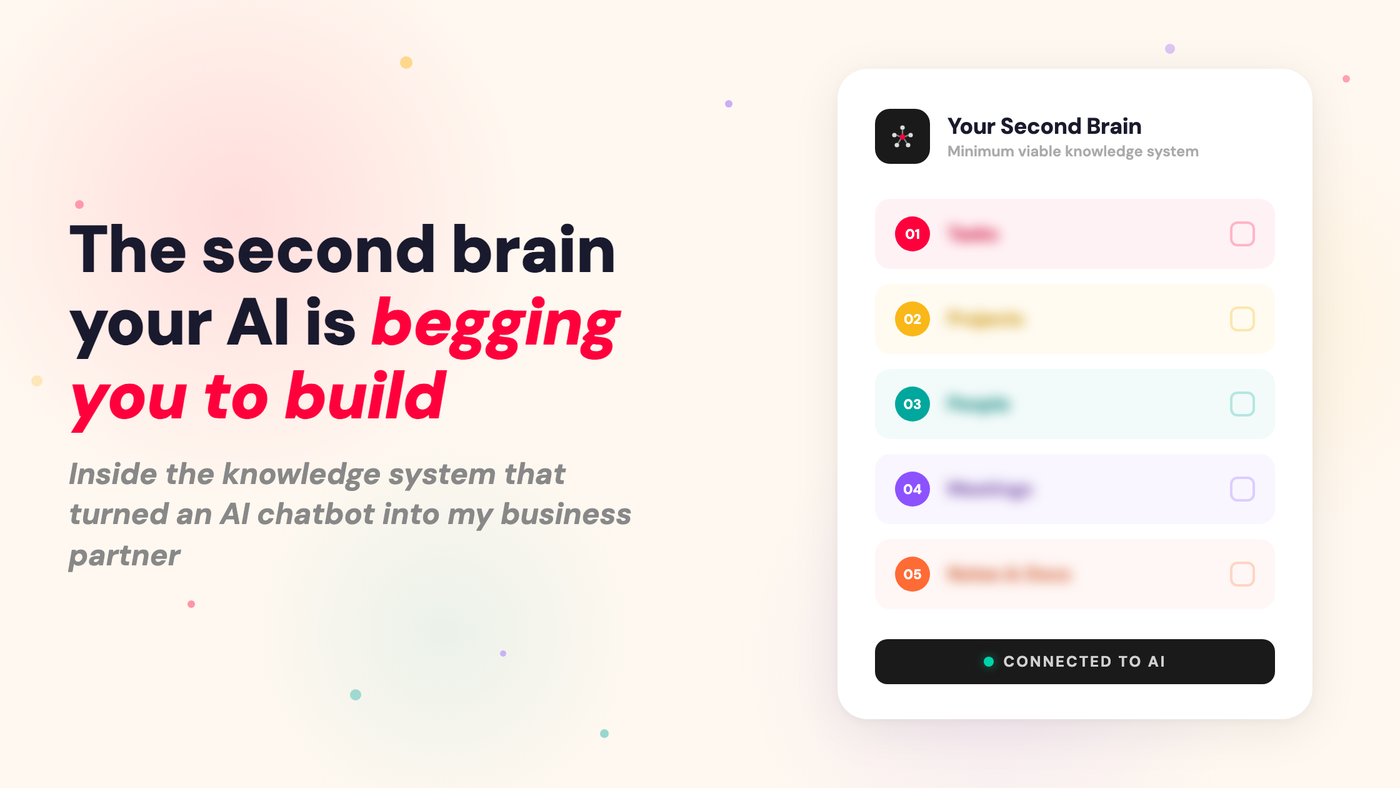
So after working with hundreds of people to build their knowledge systems, I discovered there are actually only five components you need in your second brain for it to be effective. I call it the Minimum Viable Knowledge Base.
You really only need to bring together five things to make it work:
- Tasks. What’s on your plate today, this week, right now. The stuff you’re actively doing.
- Projects. The bigger containers your tasks live inside. What you’re building, delivering, working toward.
- People. Your clients, colleagues, collaborators. Who you’re working with and what you know about them.
- Meetings. Transcripts, notes, action items. The conversations that drive your work forward.
- Notes and docs. Your ideas, your documents, your thinking. The fragmented stuff that comes out of your head and needs to go somewhere.
I walk through my entire system in this video, including exactly how each component is set up and how it all connects to my AI chief of staff:
And the best thing about it is that this isn’t ‘another system to build’ that you’ll abandon in three weeks. Because you’ve probably got most of this sitting around already:
- Your tasks might be in Todoist or Asana
- Your meetings in Fathom or Granola
- Your docs in Google Drive
- Your notes in Apple Notes or Notion
And unlike every other knowledge system you’ve tried, this one doesn’t need to be perfectly maintained to be useful. AI can handle pulling from multiple sources & tools, even messy ones. So wether you have an all in one system (like I do in Tana) or a few different specific tools, AI does all of the upkeep and managing for you.
Building your Minimum Viable Knowledge Base
So now that I’ve hopefully convinced you that it’s simpler than you think — here’s how to actually build your Minimum Viable Knowledge Base. And no, it’s not going to take three weeks. Here’s how to get started:
- Decide whether you’ll use an all-in-one system or bring separate tools together. Personally I like an all in one system because everything is in one place and I can see it connected together. But sometimes it makes sense to use separate tools that do specific jobs (like a dedicated task manager). It really is personal preference.
- Connect your knowledge to AI. Next you’ll want to connect your systems into your AI tool of choice. You can do this with MCPs or connectors. Claude or ChaGPT make this pretty easy and it means then that your AI can read and write to the different components of your second brain knowledge system.
- Map your system so AI knows where to find everything. This is the step most people skip, but is actually the most valuable. AI is not a mind reader. Just because you connect your tools, doesn’t mean it understands your system. You need to tell it where things live, how your system works, how to connects together, etc. Easiest way to do this is to have a conversation with AI where it collects all the information from you, and it writes a doc that documents all the elements of your system.
Here’s a simple prompt you can use to get started:
I want you to help me map my knowledge base so you can operate as my AI assistant. Here are the five components I need you to have access to: (1) Tasks and projects, (2) People, (3) Meetings and transcripts, (4) Notes and ideas, (5) Documents. Interview me to find out where I currently keep this information. Once we are clear create a system map that you can reference whenever you need context about my work and add the details to your custom instructions/claude.md file.
The things you can say to AI once it knows your world
Once your knowledge base is plugged in, the kinds of things you can do with AI completely change. Try things like:
- “What have I got on today?” — and AI pulls your schedule, your tasks, and your meeting prep together in one brief
- “Prep me for my call with Sarah” — and it finds your previous meeting notes, flags follow-ups, and gives you full context
- “Kick off a project from that call we just had” — and it pulls the transcript, any emails, your notes, and builds a delivery plan
- “What did I capture about X last week?” — and it searches your notes and surfaces the thinking you’d already forgotten about
- “Draft a follow-up email to Marcus” — and it already knows who Marcus is, what you discussed, and what you agreed on
- “Plan my week” — and it reads your goals, your projects, what happened last week, and helps you sequence what matters most
None of this works without the knowledge base underneath. AI doesn’t need better prompts. It needs your context. And once it has that context, it stops being a tool you chat with and starts being an actual working partner in your business.
Knowledge systems were always important. AI just changed why.
I’ve seen so many people over the years just give up on the idea of a central knowledge base/second brain because it was just too hard. But now with AI it’s not only easy to have one (because AI takes care of all that upkeep), but there is a big enough reason to put the effort into it as well.
Now the only thing you have to focus on is externalising everthing that is in your head so that AI has the context it needs to operate for and with you.
And the best part is that the system you need isn’t complicated. The minimum viable system is all you need to get started.
PS If this idea of building a knowledge base that AI can actually work with has you thinking about your own system, here are a couple of ways I can help:
- If you want to go all the way and build a Personal AI Assistant on top of your knowledge base, check out my Chief of Staff Course. It’s where I walk you through building exactly what I use every day — an AI that knows my business and actually runs my operations alongside me.
- And if you want to keep building your system alongside other knowledge professionals who are just as obsessed with this stuff, College of Knowledge is where that happens — where you build out your complete Personal Operating System for how you work, how you manage your knowledge, and how you use AI across all of it.

Comments