What People Who Are Killing It With AI Have That You Don't
Every person I see getting genuinely great results from AI has one thing in common.
They all have a Personal Knowledge System connected to it. But before you click away thinking “great, another person telling me to build a second brain,” hear me out. This isn’t the overcomplicated systems of the past that you’ve probably tried and abandoned 11 times.
But first let’s talk about the real reason AI output feels underwhelming…
Here’s how most people work with AI right now:
- Level 1: You make simple requests. “Write me a blog post.” “Summarise this article.” You get generic, mediocre output and wonder what all the fuss is about (I’m going to assume you are farther along than simple requests like this because these kind of requests get you REALLY bad output).
- Level 2: You start to get a bit smarter with how you use it. You explain who you are, what your project is about. Maybe you copy and paste some context from other apps. The results improve, but the process is exhausting. Because you’re basically re-introducing yourself every single time you have a conversation.
- Level 3: You start building system. This is where you start to see some improvement. Maybe you’ve setup a project in Claude with some context and documents & instructions. But the problem is that the context continually gets out of date and always needs updating.
At every level, there’s the same nagging feeling: a supposedly life changing technology should be better than it is.
And here’s the thing. The problem isn’t necessarily the technology. It’s something bigger. Something more fundamental about YOUR systems. The problem is that everything important about your work, your projects, your decisions, your relationships, your thinking, is either locked in your head or scattered across a dozen different apps.
AI can only be as useful as the context that it has. It’s not a mind reader. So you’re constantly trying to gather all that context together so it can be useful for you.
It’s Not About Organising. It’s About Externalising.
Most people hear “knowledge system” and immediately think that’s for ‘organised’ people. People who can do a good job of filing things neatly away into categories and maintain their system like the good productivity person they are. But for you… it’s just sounds like an another exhausting thing you will never maintain.
But here’s the shift I’m seeing as we all use AI more. Rather than thinking about your knowledge system as a filing cabinet - what if you thought about it as a system to externalise what was in your head? A place where all your work, thoughts, ides and everything that’s currently locked in your head was made visible and accessible?
And when everything is visible and accessible and plugged into a personal AI system - you can finally start to get to the good part of using AI as an operational partner. You can say things like: What should I focus on this week or prep me for tomorrow’s meeting with x client and it actually has the context to give you useful answers.
Your knowledge system then becomes a shared workspace between you and your AI assistant.
Why Most People Never Get There
Now most likely you’ve already tried to build a system like this (maybe several times) and I’m guessing it was kind of a disaster. The same thing over and over again. You start off great, but as soon as you get busy or have a bad day the system breaks, or it’s too hard to maintain and you end up quitting after three weeks.
I’ve coached hundreds of people on building knowledge systems. I’d say 90% of them came to me after a failed attempt. And almost always we end up SIMPLIFYING the system they have.
Because over-complication kills every knowledge system eventually. It’s left a whole generation of knowledge workers thinking “I’m just not a systems person.”
You almost never need the overcomplicated system you see gurus selling on the internet with hundreds of tags and nested databases and all the moving parts.
What you need is what I call a minimum viable knowledge system.
The Minimum Viable Knowledge System
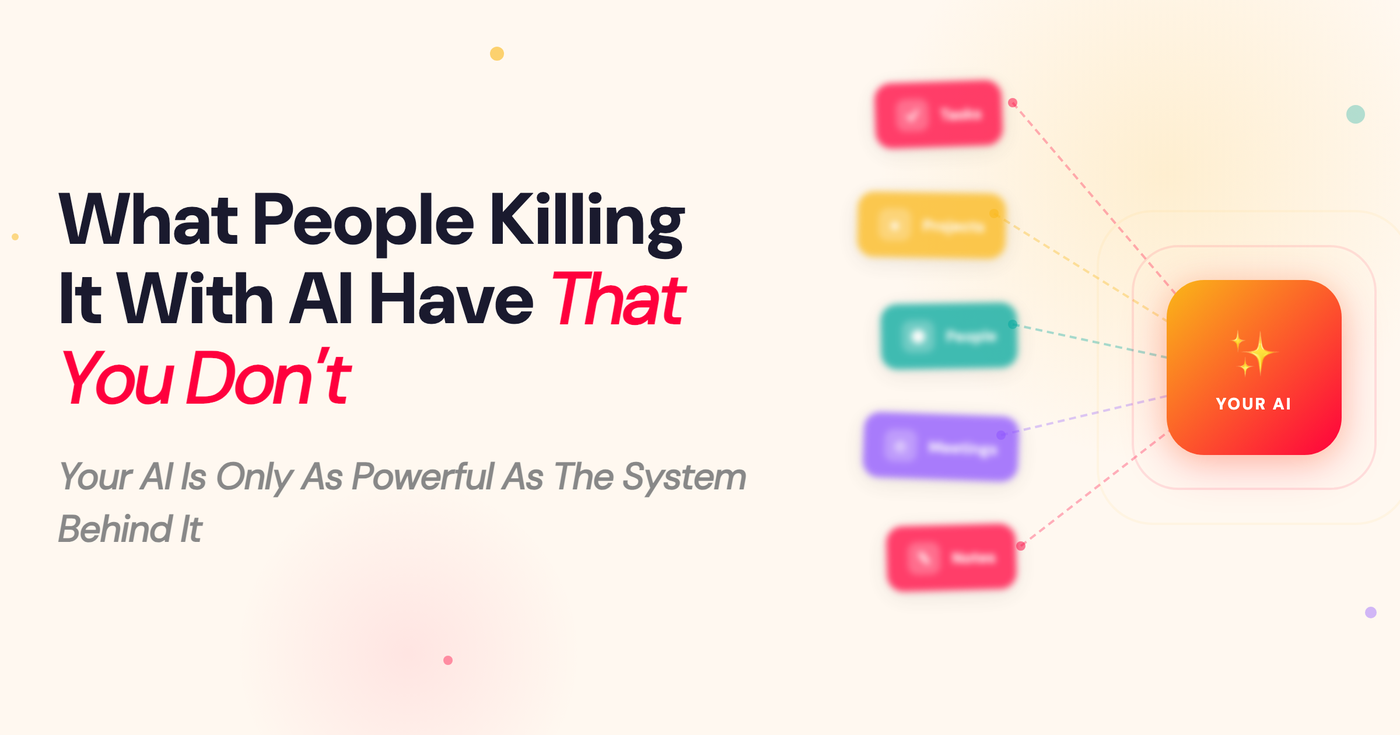
I recently set up a system for a coaching client that had just five tags (tags are just ways to categorise what thing are like databases or containes). And it’s honestly one of the most effective systems I’ve built. With those five containers he has everything he needs to run his work and collaborate with AI.
I call it the Minimum Viable Knowledge System:
- A system for tasks: All the things you have to do day to day.
- A system for projects: All the bigger level stuff you are working on and need to track.
- A system for people: A place to keep track of notes and things connected to the people in your world.
- A system for meetings: A system to track your meetings, notes, transcripts.
- A system for notes: A simple place where you can store notes, ideas and thoughts connected to the other four systems.
These five things cover how most knowledge workers actually spend their days. And because the system is simple there is almost no maintenance to it so you’ll actually use it AND your AI finally has context to work with so it can help you get real work done.
Connect Your MVKS To Your AI System
The really good news is you probably already have most of these five pieces sitting around in different tools. Your tasks and projects might live in Todoist, Asana, or a Notion board. Your meetings are probably being recorded by Granola or Fathom or some other note-taking tool. Your notes might be in Obsidian, Apple Notes, or scattered across Google Docs. And your people? Probably in your contacts or your CRM.
And here’s the secret - you don’t even have to start a whole new system for this to work. All you have to do is connect the system/s you already have to your AI assistant and you’re in business. Here’s how:
Step 1: Connect your tools.
When you connect your actual tools to AI it goes from nice chatbot - to holy crap - it can DO stuff for me.
The easiest way to connect your tools to your AI assistant is with something called MCPs (Model Context Protocols). Most tools have them (or people in the community have created them) and they’re surprisingly easy to set up. The easiest way to to find out if there is an MCP for your tool (task manager, email, etc.) is to ask your AI Assistant: “Is there an MCP for [tool I use]?” It’ll walk you through how to get it setup.
The great thing about MCPs is that once they’re connected, your AI assistant won’t just read your context. It can actually write to those tools as well. It can create tasks, update project statuses, add meeting notes, all directly inside the apps you already use. And because it’s a live connection, everything stays up to date. You never have to copy-paste context or upload documents that are outdated the moment you save them.
(Personally, all five of my systems live in Tana. It manages my tasks, projects, people, notes, and it can even record my meetings. With an all in one system I only ever have to worry about connecting one tool to my AI).
Step 2: Tell your AI assistant where to find everything.
This is the step most people skip, and it’s the one that makes the biggest difference. Once your tools are connected you’ll want to update your custom instructions so your AI assistant actually knows what it has access to and where to look for things. This is like onboarding a new assistant and giving them a tour of all the tools you use. Here’s something you can add to your claude.md file or custom instructions in a project:
You are my AI assistant. You have access to my personal knowledge system, this is where all my work context lives. It’s made up of five parts:
Tasks: [your tool], what I need to do, my active actions and to-dos
Projects: [your tool], the bigger things I’m working on, with goals and current status
People: [your tool], the key people I work with and what we’ve discussed
Meetings: [your tool], transcripts and decisions from my meetings
Notes: [your tool], my thinking, ideas, observations, and things I’m learning
Before you ask me to explain something, check if the answer already exists in my system. When I ask you to help me plan, prepare for meetings, write something, or work through ideas, pull from these sources first. Use what you have access to.
That’s it. You’ve just told your AI assistant where your external brain lives.
Step 3: Try these workflows.
Now that your AI assistant has real context, try asking it to do things that would have been impossible before:
“Prep me for my meeting with [name] tomorrow.” Your AI assistant pulls your People notes (what you last discussed, their priorities), your Meeting history, and the Project you’re working on together. You get an actual useful brief, not a generic agenda template.
“What should I focus on this week?” Your AI assistant looks at your Tasks, your Projects, and your upcoming Meetings. It gives you a prioritised plan based on your real work, because it can actually see what’s on your plate.
“Write a follow-up email from today’s call.” Your AI assistant has the Meeting transcript, knows who was there from your People notes, and understands the Project context. It drafts something that sounds like you were actually paying attention, because it was.
A knowledge system isn’t just some nice to have thing that only the hyper organised was able to upkeep. Now it is an essential part of every AI Knowledge Workers kit. And it doesn’t have to to be as complicated as most people made it out to be.
PS. If you want to get more out of your AI systems I’ve got two new things I’m launching that might help:
- I’m building a course called Build Your Personal AI Operating System — where we go beyond prompting chatbots and build an all-in-one AI system that can actually operate and support you in your business & work. Founding members get early access and early pricing. So join the waitlist to be first in line.
- In a couple of weeks I’m hosting a workshop called Think With AI where I show you my exact system for working alongside AI every day to get REAL work done. Would love to have you join me.

Comments